



Go to content
Simplewire Order Flex+

Danish technology for the electrical industry

Cable and circuit identification without guesswork

When labelling or documentation does not provide a clear answer, Simplewire makes the connection between the electrical panel and the specific cable, outlet or equipment clear, helping electricians and technical operations teams find the correct ID.

Trusted by

Simplewire technology is used by

Bravida
Caverion
Novo Nordisk
Kemp & Lauritzen
Metro Service
Tican

Choose by application

What is your situation?

Mobile tool

Flex+

Bring Flex+ with you from job to job.

  • Service, troubleshooting and relabellingGet a clear circuit overview in existing installations.
  • Identify circuits in existing installationsRecord the specific ID for the next task.
View Flex+
Fixed installation

Core

Keep the identification in the installation.

  • New electrical panel or electrical panel replacementIncorporate identification from the beginning.
  • Permanent labelling and documentationMaintain a consistent foundation for operation and service.
View Core

One technology · Two workflows

From the electrical panel to a clear ID

Flex+ and Core are based on the same technology. Flex+ follows the electrician as a mobile tool. Core is installed permanently and remains in the electrical panel. Both clearly identify the connection between the electrical panel and the installation.

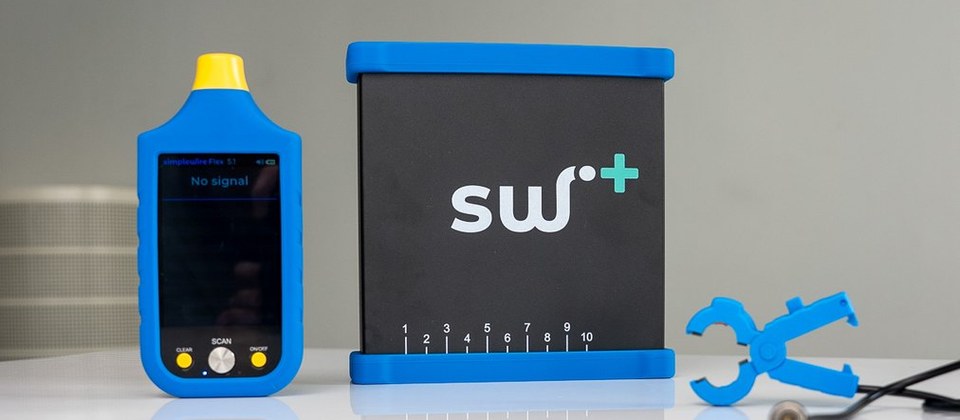
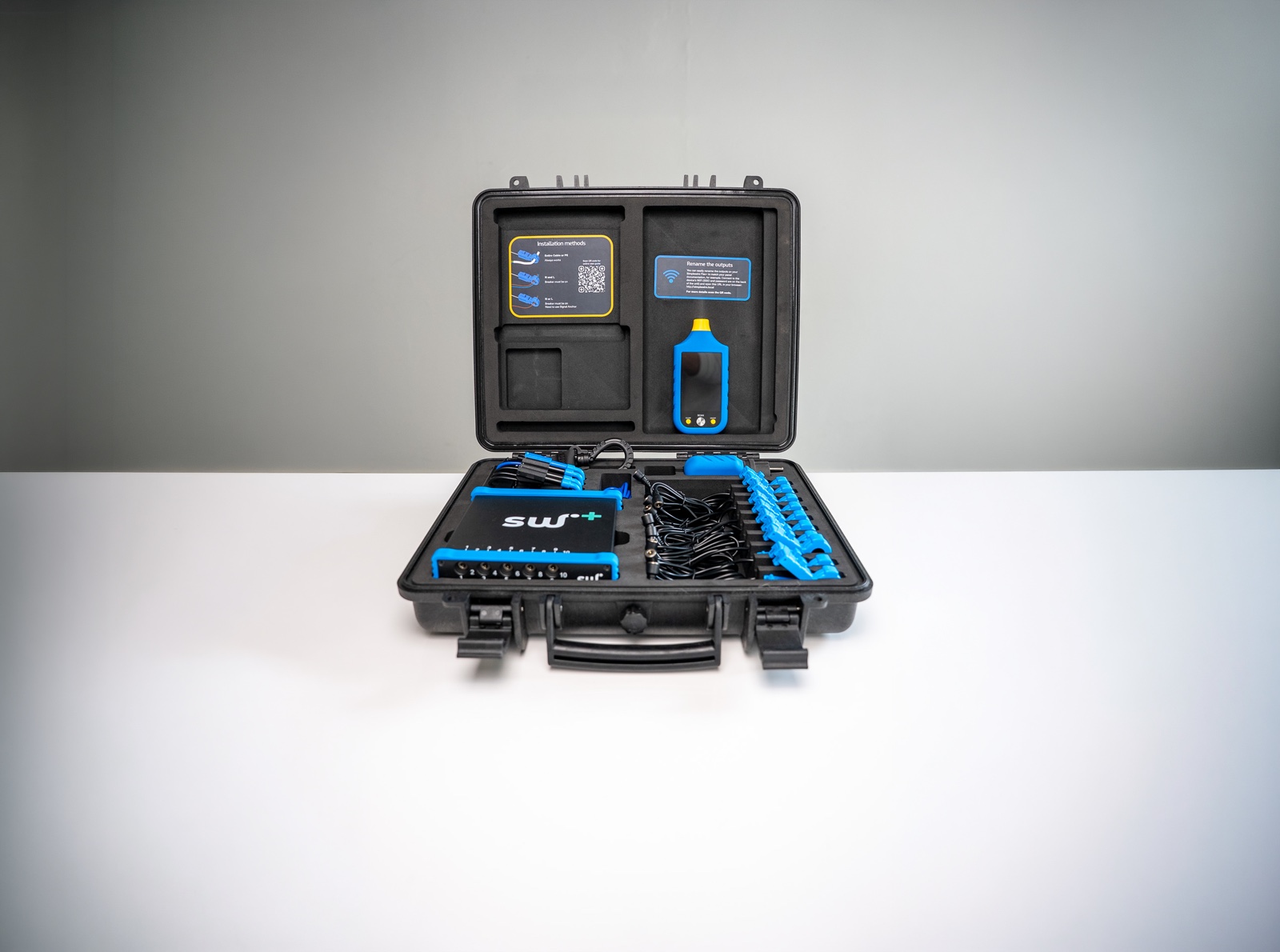
Open Simplewire Flex+ case with scanner, transmitter, signal clamps and accessories
Flex+

Bring cable identification to the job

Flex+ accompanies the electrician for service, troubleshooting and relabelling in existing installations.

  • Connect at the electrical panel
  • Scan up to 10 circuits at a time
  • Read the circuit ID directly on the scanner
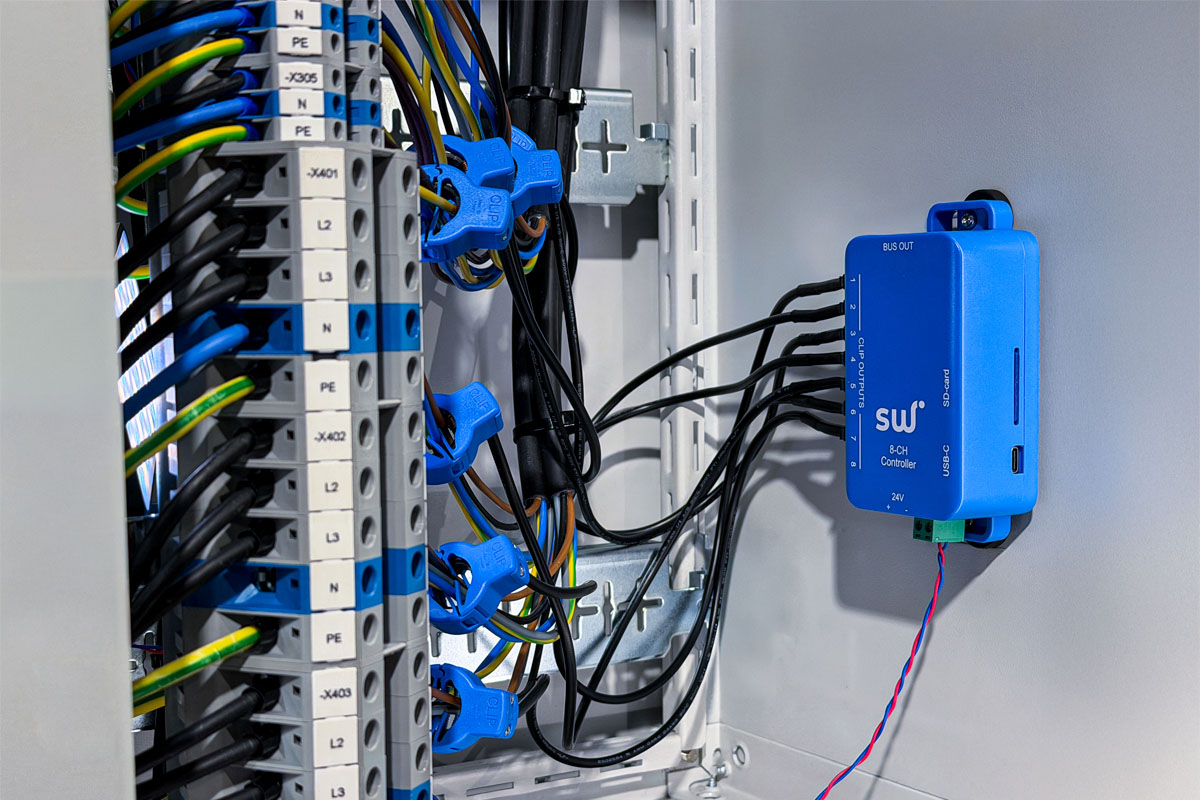
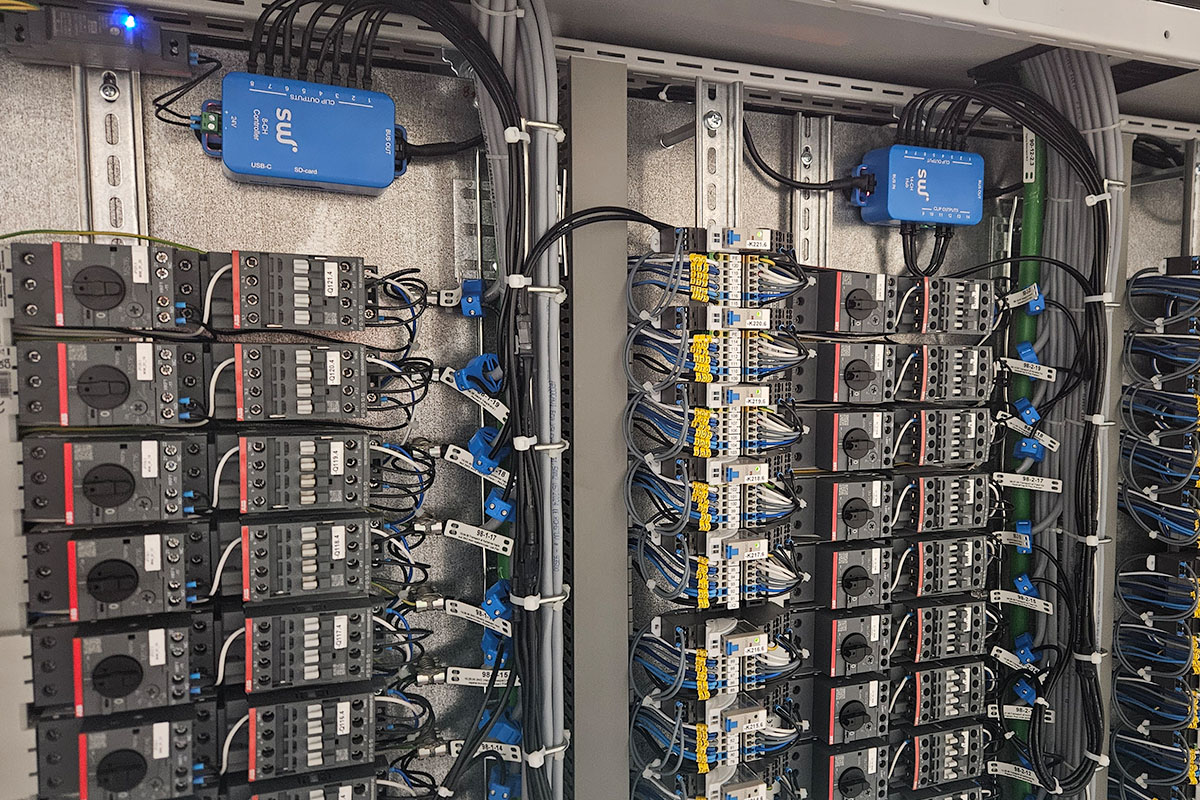
Simplewire Core installed in a electrical panel
Core

Keep the identification in the installation

Core becomes a permanent part of the electrical panel, making identification accessible for operation, changes and documentation over time.

  • Integrates with the electrical panel
  • Suitable for new and existing electrical panels
  • Becomes a fixed part of the installation

Proven in practice

A reliable tool when reality is complex

The electrician and technical operations encounter diverse installations. The need is the same: to be able to rely on the ID upon which the work is based.

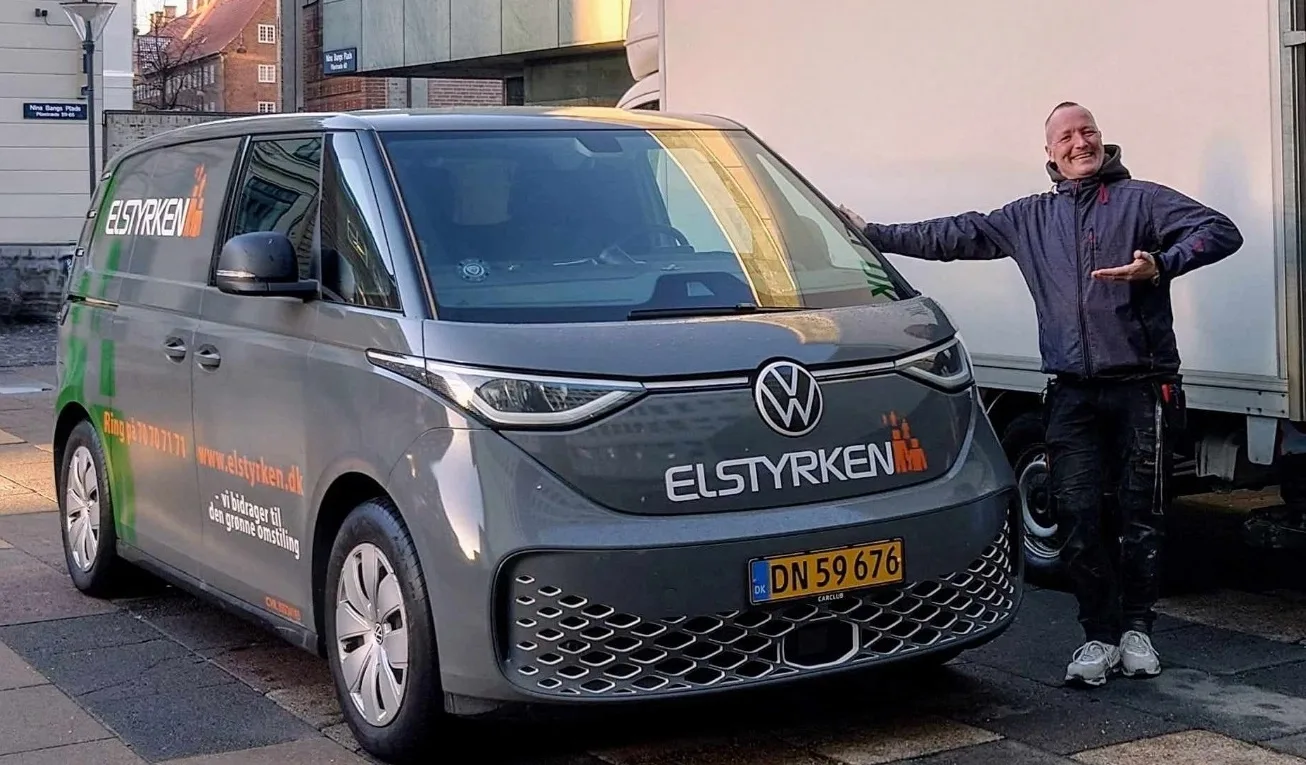
Brian Johansen from Elstyrken by his service vehicle

Flex+ · Elstyrken

“If you need to troubleshoot and search for already-commissioned installations, this is the best product you can find right now.”

Brian JohansenElectrical contractor at Elstyrken

Read Brian’s experiences
Simplewire Core installed in a complex electrical panel at Tican

Core · Tican

“Simplewire’s technology solves a problem we encounter every day. When one of thousands of circuit breakers trips, the labelling is too poor to help us identify it quickly.”

Tonny JessenFacility manager at Tican

See Core at Tican

Frequently Asked Questions

Product guides, start-up and technical support are available on the support page.

Which Simplewire product should I choose?

Choose Flex+ when the tool needs to accompany the electrician for service, troubleshooting and relabelling. Choose Core when identification and documentation should remain in the electrical panel as a permanent part of the installation.

How many circuits can Flex+ scan at once?

Flex+ can scan up to 10 circuits at once and displays the circuit ID directly on the scanner.

Can Flex+ be used in a live installation?

Flex+ is developed for circuit identification in existing live installations, where the working procedure permits. Always follow applicable procedures for the specific installation.

Is Core only for new electrical panels?

No. Core is relevant for new electrical panels, electrical panel replacements, and permanent labelling in existing installations.

How can we place an order or discuss our requirements?

Flex+ can be ordered directly from Simplewire or via partner. Core requirements are determined with Simplewire based on electrical panels, building and workflows.

Where can I find guides and product support?

Go to Simplewire Support for product guides, setup help and workflow guidance.

Select the solution that suits the task

Flex+ accompanies the electrician. Core remains in the installation. Both are designed to ensure a clear connection.